When a Slow, Unsafe Website Starts Costing Real Money
A few weeks ago, a WooCommerce store owner reached out to me with a problem that many small business owners quietly deal with — and often don’t notice until it’s too late.
Customers were being redirected to a strange, unrelated website in the middle of checkout. Sales had dropped noticeably over two weeks. Google Search Console had started flagging pages as “unsafe.” And on top of that, the site itself felt sluggish, especially on mobile devices.
This is a common — and dangerous — combination: a security breach and a performance problem happening at the same time, often without the store owner realizing the two are connected.
This case study walks through exactly what was wrong, how it was diagnosed, how it was fixed within 36 hours, and what the measurable results looked like afterward. If you run a WordPress or WooCommerce store, this is worth reading closely — the warning signs described here are more common than most business owners realize.
A Silent Malware Infection Hiding Behind a “Normal-Looking” Website
When the client first contacted me, the issue seemed minor on the surface. The website looked fine when viewed on a desktop browser. Nothing appeared broken. No obvious error messages, no defaced pages, nothing that screamed “hacked.”
But customers using mobile devices were reporting something very different: random redirects to unfamiliar, spammy websites during checkout — sometimes before they could even complete a purchase.
After running a full WordPress security audit, here’s what I found:
- A malicious script had been injected into an outdated, unmaintained plugin file. The plugin hadn’t been updated in over a year, and it contained a known vulnerability that had already been exploited.
- The injected script specifically targeted mobile visitors, triggering random redirects to a scam domain — which is exactly why the issue went unnoticed on desktop for nearly two weeks.
- A hidden backdoor admin account had been created by the attacker, giving them ongoing access to the site even if the original entry point were later patched.
- Google Search Console had already begun flagging pages with security warnings, which was starting to affect both organic click-through rates and search rankings.
- Server resource usage was unusually high, a common side effect of malicious scripts running quietly in the background — which was also contributing to the site’s slow loading times.
This last point is important, and it’s something most site owners never connect: a hacked website is very often a slow website too. Malicious scripts consume server resources, bloated and abandoned plugins add unnecessary load, and neither of these issues gets better on their own — they only get worse over time.
What This Was Actually Costing the Business
Before any fixes were made, the real-world impact of this combined security and performance problem included:
- Estimated $400+ per day in lost sales from customers abandoning checkout after being redirected
- Declining search visibility due to Google’s “unsafe site” warning appearing in search results
- Damaged customer trust, with several negative reviews mentioning that “the site was acting weird” or “redirecting somewhere strange”
- Slower page load times, particularly on mobile, which independently increases bounce rate and lowers conversion rates regardless of the security issue
For an e-commerce store, this is a costly combination. Studies on user behavior consistently show that both site security warnings and slow load times directly increase cart abandonment — and here, the business was dealing with both problems simultaneously.
A 36-Hour Security and Performance Recovery Process
Here is the exact process used to resolve the issue, broken down into the two areas that needed attention — security first, then performance.
Step 1: Full Malware Scan and Removal
The first priority was stopping the active threat. This involved a complete scan across the WordPress core files, all installed plugins, themes, and the database itself to identify every piece of injected or malicious code — not just the obvious one.
Step 2: Removing the Vulnerability and the Backdoor
Once the injected script was located, it was removed along with the compromised plugin entirely. The hidden backdoor admin account was also identified and deleted, and all admin credentials across the site were reset to prevent the attacker from regaining access through a different route.
Step 3: Security Hardening
With the site cleaned, the next step was making sure the same vulnerability — or a similar one — couldn’t be exploited again. This included:
- Installing firewall rules to block common attack patterns and brute-force login attempts
- Locking down file and folder permissions to prevent unauthorized file edits
- Disabling file editing from within the WordPress dashboard
- Setting up ongoing malware monitoring and automated backups
Step 4: Requesting Google’s Security Review
Because Google had already flagged the site, cleaning the malware alone wasn’t enough — a formal security review request had to be submitted through Google Search Console to have the “unsafe site” warning removed from search results.
Step 5: Speed and Performance Optimization
With the site secure, attention turned to performance, since the two issues were closely linked. This phase included:
- Compressing and optimizing all images, with many converted to the more efficient WebP format
- Minifying CSS and JavaScript files to reduce page weight
- Reducing render-blocking resources that were delaying the page from becoming interactive
- Optimizing caching configuration for both mobile and desktop visitors
- Improving Core Web Vitals metrics, including Largest Contentful Paint (LCP) and Cumulative Layout Shift (CLS)
- Removing unnecessary scripts and loading delays left behind by unused plugins
Measurable Improvement Within Days
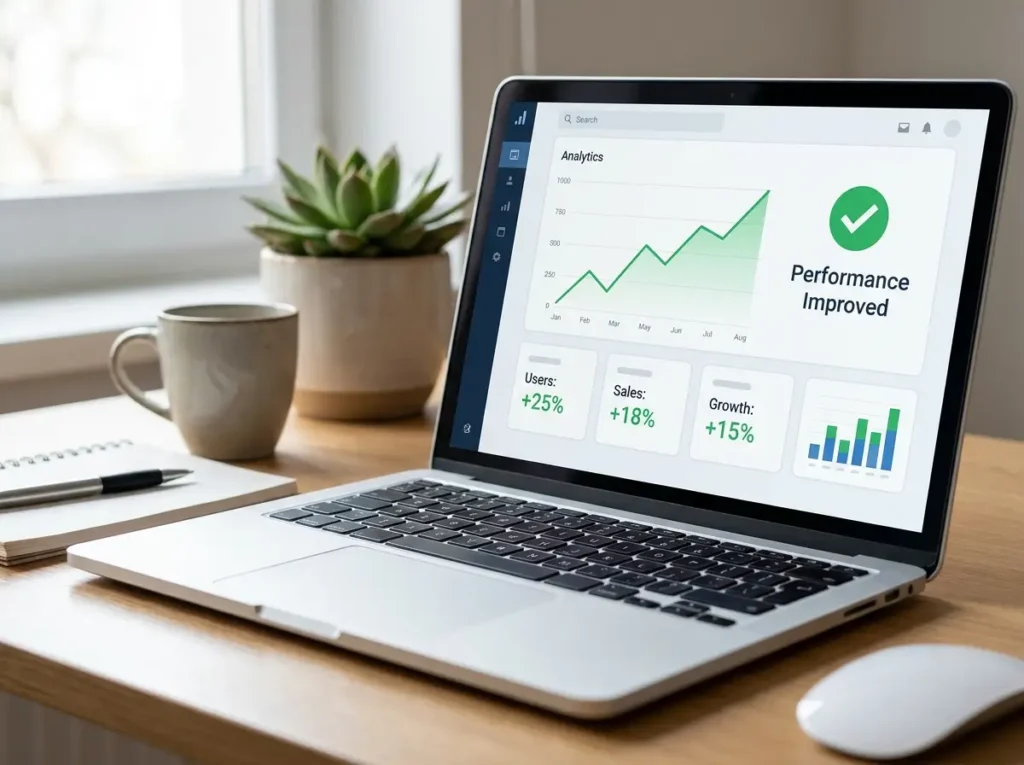
The combined security and speed fixes produced clear, measurable results:
- Malware fully removed, with zero re-infection over 30+ days of monitoring since the fix
- Google’s “unsafe site” warning lifted within 48 hours of submitting the review request
- Mobile checkout conversions returned to normal within one week, as the redirect issue was completely eliminated
- Significant improvement in both mobile and desktop performance scores, with faster load times across all major pages
- Improved Core Web Vitals, contributing to better search visibility going forward
- The store owner moved to an ongoing monthly security monitoring plan, giving them peace of mind and early warning of any future issues
Why Speed and Security Should Never Be Treated as Separate Problems
This case is a clear example of something I see repeatedly with WordPress and WooCommerce store owners: speed and security issues are frequently connected, even when they don’t look related at first glance.
A slow website isn’t always just a caching or hosting problem. Sometimes it’s a symptom of something more serious — bloated, outdated plugins, or in more severe cases, malicious scripts running silently in the background. Fixing speed without addressing the underlying security issue is, at best, a temporary improvement. The site will slow down again, or worse, the vulnerability that caused it will be exploited further.
Similarly, fixing a security breach without addressing performance means the business is still leaving conversions on the table from a slow, unoptimized experience.
The businesses that get the best long-term results are the ones that treat website health as a combination of both: a fast site that loads well for visitors, and a secure site that protects both the business and its customers.
Key Takeaways for WordPress and WooCommerce Store Owners
If you run a WordPress or WooCommerce store, here are the practical lessons from this case study:
- A “normal-looking” site on desktop doesn’t mean it’s safe. Many attacks specifically target mobile visitors or trigger only under certain conditions, which is why regular security scans matter more than occasional manual checks.
- Outdated, unmaintained plugins are one of the most common entry points for attacks. If a plugin hasn’t been updated in a long time, it’s worth reviewing whether it’s still necessary.
- A sudden drop in traffic or conversions is worth investigating immediately. It’s often one of the first visible signs of a deeper issue.
- Speed and security should be audited together, not separately. A comprehensive audit looking at both areas at once will often reveal connections that a speed-only or security-only check would miss.
- Ongoing monitoring is far cheaper than crisis recovery. A monthly security and performance monitoring plan costs a fraction of what a business loses during even a single week of a hidden security issue.
Final Thoughts
A fast, secure website isn’t a luxury for an online store — it’s a core part of protecting revenue, customer trust, and search visibility. This case study shows how closely these two areas are connected, and why addressing them together produces results that last, rather than a short-term fix that needs to be repeated a few months later.
If your WordPress or WooCommerce site feels slow, has had unusual behavior, or simply hasn’t been audited for security in a while, it’s worth having both areas reviewed together rather than treating them as separate problems.